Guides
Running Individual ComfyUI Nodes on Remote Compute While Your Workflow Stays Local
· RenderBob team
Most people treat ComfyUI in the cloud as all-or-nothing: the whole workflow on your machine, or the whole thing on a rented GPU. There is a middle path: keep the graph local and send only the heavy nodes out.
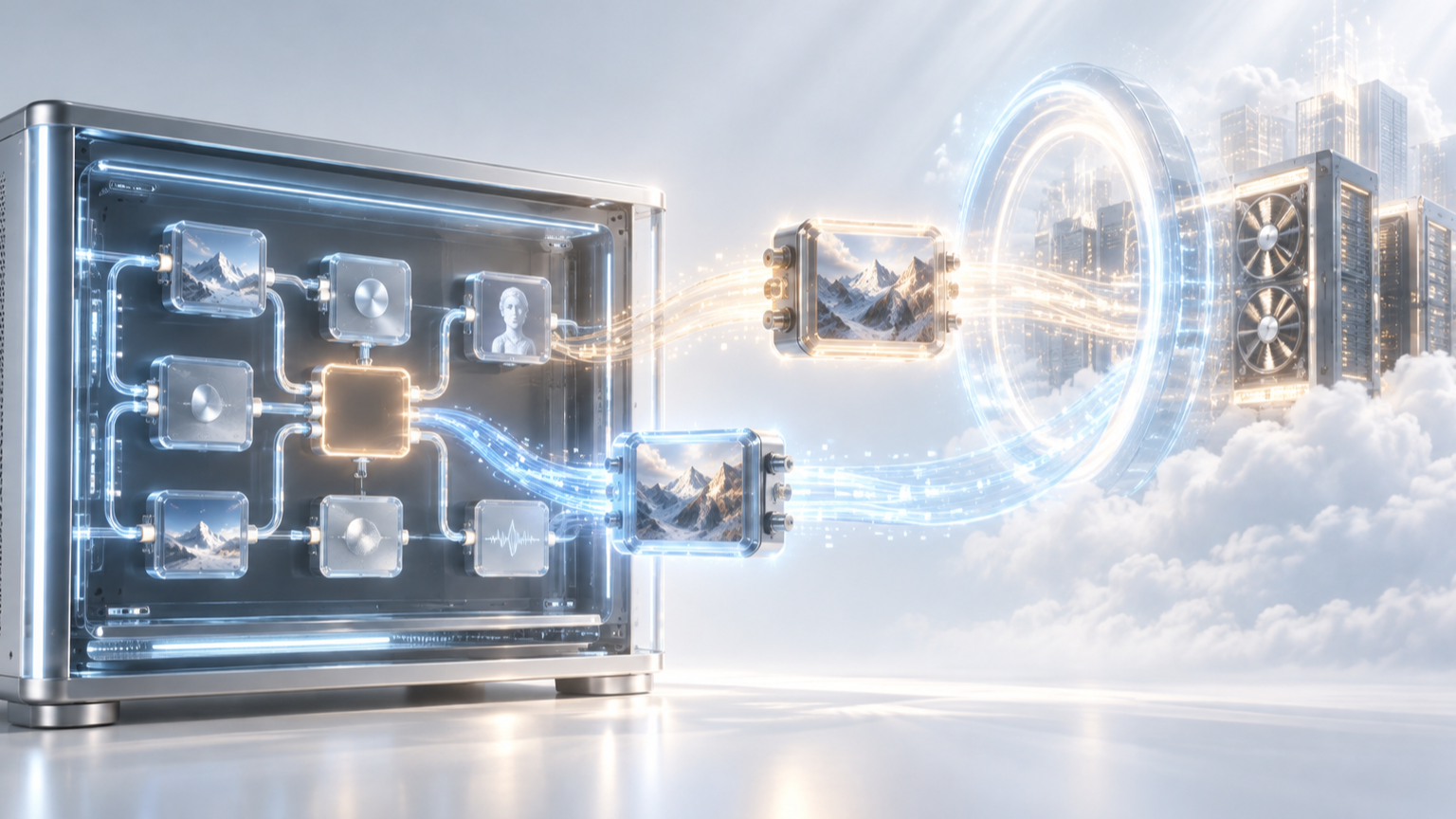
Most people think of ComfyUI in the cloud as all-or-nothing: either the whole workflow runs on your machine, or the whole thing runs on a rented GPU. There is a middle path: keep the graph, the assets, and the creative work local, while sending just the one or two nodes that need serious VRAM out to remote compute.
The idea
A ComfyUI workflow is a graph of nodes, and not every node is expensive. Loading an image, wiring conditioning, compositing: cheap. A single high-VRAM sampler or a heavy upscale pass is the node that OOMs your card. Per-node remote execution lets you mark just those nodes to run elsewhere, while everything else stays on your workstation.
How it works in practice
Several projects implement versions of this. ComfyUI-Modal (Modal-Sync) adds a Run Remotely toggle to individual nodes. At queue time it partitions the graph, rewrites the marked region into remote proxy nodes, syncs the required model assets (and optionally your custom nodes) to the remote environment, executes there, and streams status, progress and previews back into your local graph. The project is still alpha. Comfy-Cloud takes a similar tack for high-VRAM work: run the workflow locally, offload the memory-hungry parts to a cloud GPU, without hauling all your models and custom nodes into a cloud provider yourself. Older tools like ComfyUI_NetDist pass intermediate data (latents saved as .npy) between instances on different machines. The Comfy community has even discussed a general-purpose RPC node to execute arbitrary nodes remotely.
Why a studio would want this
In a year of scarce, expensive high-VRAM cards, per-node remote execution is a scalpel where buying a 5090 is a sledgehammer. You keep iterating locally at full speed, keep your assets and client IP on your own machine, and rent GPU only for the specific node that needs it, only for as long as it runs. That is the cheapest way to get past a VRAM ceiling on one step of an otherwise-manageable workflow.
Where it gets complicated
- Asset sync. The remote GPU needs the same checkpoints, LoRAs and custom nodes the marked node depends on. Those are large files, and first-run sync adds real latency.
- The transport boundary. Only certain things serialise cleanly across the wire: latents, tensors, images. When a marked node depends on a non-transportable runtime object, the system has to expand the remote region upstream to include more of the graph than you selected, so you sometimes send more than you intended.
- Network latency and egress. Every hop to a remote node costs round-trip time and moves data out of your environment. For a fast node this overhead can exceed the compute you saved.
- Security. Never expose a ComfyUI port to the open internet. Remote workers belong behind a VPN or secure tunnel with CORS configured. Work the production security checklist on this blog.
- Reproducibility. The remote environment must match your local one exactly, or the offloaded node produces a different result.
- Cost accounting. Per-node cloud time needs a cap and a shutdown-on-completion, or a stalled job quietly bills.
Per-node remote execution is useful, and today it is mostly stitched together from alpha extensions and manual configuration. Making it reliable (deciding which nodes go remote, syncing assets ahead of time, matching environments, enforcing caps and security) is the kind of thing that stops being a weekend project and becomes a pipeline. That routing and reproducibility layer is the hard part, and it is the part worth owning.
More from the blog
- A Risk Ladder for AI in Documentary
Screenweaver's 8 October guide ranks five documentary uses of AI by risk, from archive restoration to a synthetic face, and pairs them with EU disclosure rules now in force.
- The B-Roll Gap: Generated, Selected, or Shot
Every cut eventually needs a shot that does not exist. AI can generate it or search a library for it, and stock libraries are answering with different rules. Here is how to choose.