Guides
How to Standardise Team Workflows with ComfyUI Subgraphs
· RenderBob team
Subgraphs are now a stable ComfyUI feature. For a studio they are a standardisation tool: a complete workflow section packaged as a reusable super-node.
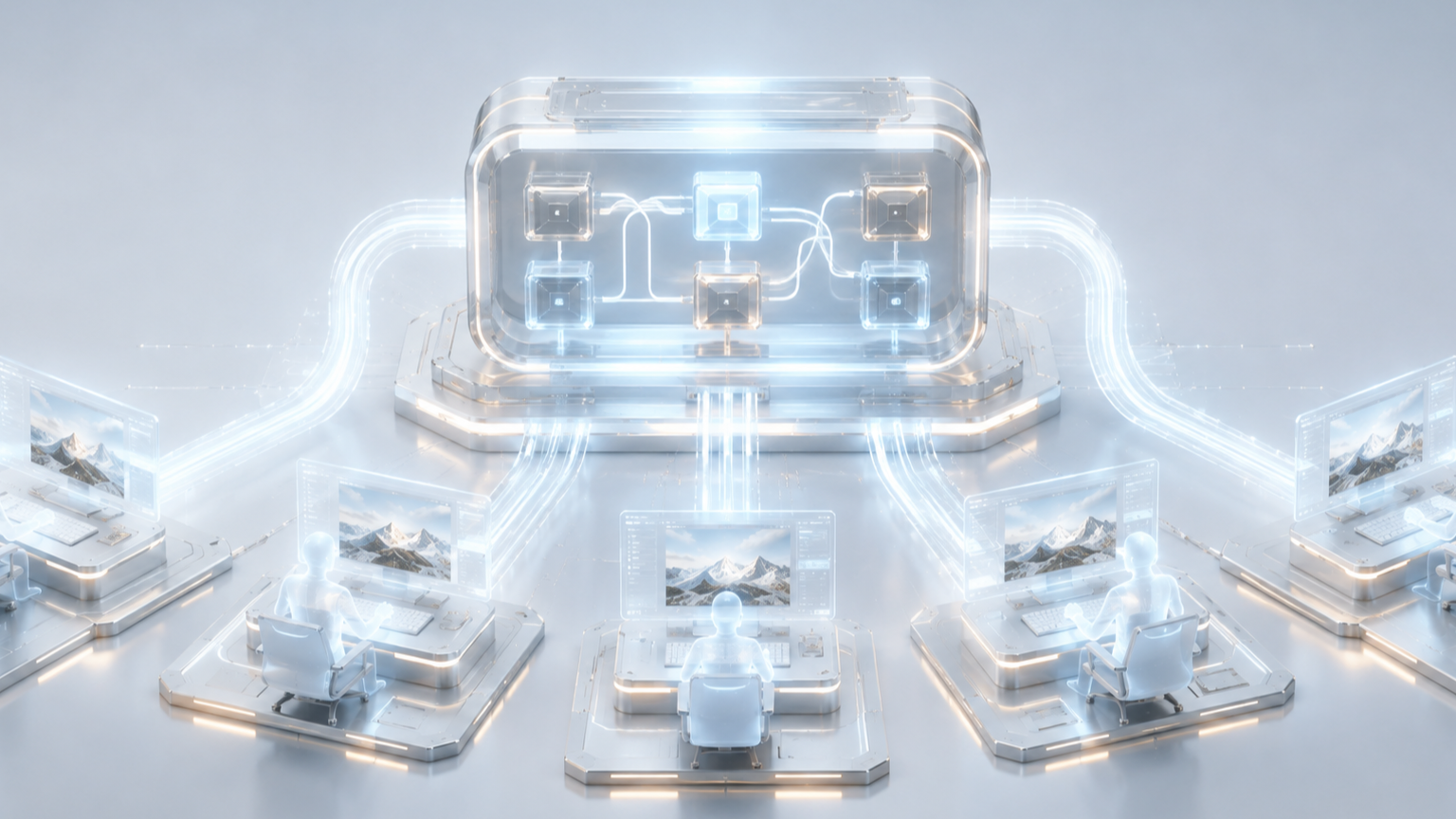
Subgraphs are now a stable ComfyUI feature. For a studio they are a standardisation tool: a complete workflow section, with defined inputs and outputs, packaged as a single reusable super-node with the same editing tools as any workflow. Used on purpose, they turn one artist's good approach into shared studio infrastructure.
Start by collapsing your clutter
Select a proven cluster of nodes, an upscale stage, a conditioning setup, a colour-handling block, and use "collapse to subgraph." The visual complexity disappears into one node, and the workflow becomes readable. Artists stop editing a tangle they don't fully understand, which is where a lot of errors start.
Package your studio's standard stages
Identify the stages every project repeats: your standard denoise-and-upscale pass, your control-pass conditioning, your delivery-format output block. Build each once, as a subgraph, tested and correct. Every artist starts from the same known-good building blocks instead of rebuilding them slightly differently each time.
Version them
A subgraph is only a standard if everyone uses the same version. Pin subgraph versions alongside model and node versions in your shared registry. When you improve a stage, you update the subgraph centrally and it propagates, rather than living in one artist's file.
Clone for variants, don't fork by hand
Subgraphs can be cloned into independent copies, so a project-specific tweak doesn't mutate the shared original. This keeps the canonical version clean while allowing controlled variation.
Expose only the parameters that should change
The subgraph parameter panel lets you surface specific widgets without opening the whole thing. Expose the two or three knobs an artist legitimately needs to adjust and hide the rest, so the standard stage stays a standard.
When your standard stages are versioned subgraphs pulled from a shared registry, a workflow behaves the same whether it runs on an artist's workstation, a unified-memory box, or a cloud burst node, because every one of them is assembling the same tested pieces. "The way we do upscaling here" becomes something you can hand to a new hire on day one.
More from the blog
- A Risk Ladder for AI in Documentary
Screenweaver's 8 October guide ranks five documentary uses of AI by risk, from archive restoration to a synthetic face, and pairs them with EU disclosure rules now in force.
- The B-Roll Gap: Generated, Selected, or Shot
Every cut eventually needs a shot that does not exist. AI can generate it or search a library for it, and stock libraries are answering with different rules. Here is how to choose.